Best Free AI Tools for Making Money Online : Most people use AI like a spellchecker and then wonder why nothing changes. In 2026, leverage beats hustle. You don’t need coding skills, expensive equipment, or a massive budget to start generating income online. What you do need is creativity, consistency, and the willingness to learn which tools actually deliver results .
This guide cuts through the noise. We’ve tested dozens of AI tools to bring you the ones that genuinely help beginners make money—without spending a dime to get started. Whether you want to write ebooks, offer freelance services, build niche websites, or create digital products, these free tools will help you launch your side hustle today .
Read More : AI video generator with realistic voice cloning
AI tools for dropshipping business automation
AI tools for real estate business marketing
Best AI Tools For Small Businesses 2026
AI Marketing Tools for Small Business Owners
Part 1: The Foundation—Language Models That Think and Write
Before you can make money online, you need a reliable AI assistant. Large language models are the foundation of any AI-powered income stream. They help you brainstorm ideas, draft content, research markets, and refine your work.
ChatGPT (OpenAI)
The most reliable baseline tool for beginners. The free version is genuinely useful for most people. Use it to generate blog post ideas, draft email newsletters, create outlines for YouTube scripts, and help with market research .
Best For: General content creation, brainstorming, quick drafts
Free Tier: Robust free version with reasonable limits
Claude (Anthropic)
Claude has the best writing quality among all language models. If you care about depth, nuance, and reasoning that actually makes sense, Claude is your tool. It excels at long-form content and maintains consistent tone throughout .
Best For: Long-form writing, detailed analysis, financial planning
Free Tier: Works for most everyday needs
Gemini (Google)
Because Google owns your inbox, calendar, and search, Gemini integrates AI directly into your ecosystem. If you live in Google Workspace—Drive, Docs, Gmail—Gemini makes sense because it’s already built in .
Best For: Google ecosystem users, calendar management, email drafting
Free Tier: Integrated free access via Google services
Perplexity
Perplexity is not trying to replace ChatGPT—it is a research engine. You ask it a question and it actually searches the web, finds sources, cites them, and gives you grounded answers. For serious questions where accuracy matters, Perplexity delivers .
Best For: Research, fact-checking, source-backed answers
Free Tier: Functional free version with usage caps
Pro Tip: Most people can work entirely with free versions of these tools. Don’t pay for something until you actually hit the usage ceiling .
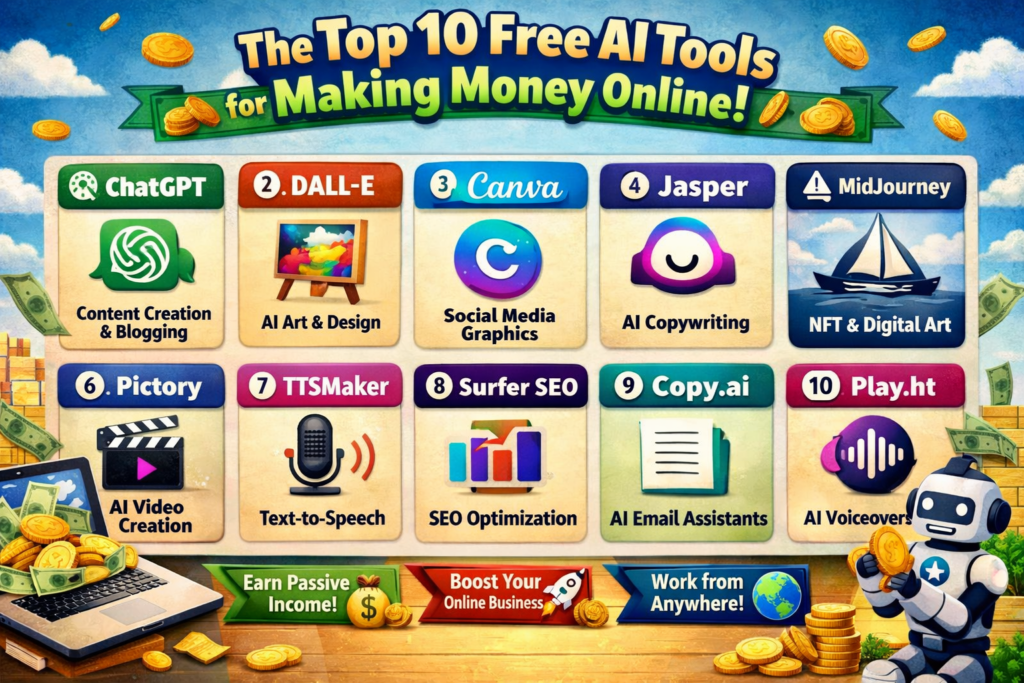
Part 2: The Top 10 Free AI Tools for Making Money Online
1. Shopify Magic (Free AI Assistant for E-commerce)
Shopify Magic is Shopify’s free, built-in AI assistant that generates product descriptions, email campaigns, customer support responses, and store content automatically. Available on all Shopify plans at no extra cost, it saves the average merchant 15–20 hours per week and over $8,700 per year in content creation costs .
Key Features:
- AI product description generator creates SEO-optimized copy in 8 languages
- Email marketing: AI subject lines and full campaign copy
- Image editing: background removal and product photo enhancement
- Customer support: automated responses via Shopify Inbox
- Sidekick Assistant: AI admin navigation and task automation
Money-Making Application: A merchant who moved 500 SKUs from Amazon to Shopify completed the migration in 3 days using Magic’s bulk description generator. One entrepreneur saved $2,500 on copywriting services and saw 500 products listed in 2 hours instead of 2 weeks .
Pros: Completely free with Shopify, saves 15+ hours weekly, SEO-optimized output
Cons: Requires a Shopify store (free trial available), best for e-commerce
2. Canva Magic Studio (Free Visual Design)
Canva has redefined visual content creation for non-designers. Its Magic Studio suite eliminates the “blank page” paralysis that prevents beginners from creating professional assets. The free tier is genuinely functional and perfect for testing ideas .
Key Features:
- Magic Design: generates custom layouts from uploaded images
- Text-to-image: creates unique graphics from text descriptions
- Background removal: professional product photos without complex editing
- Thousands of templates for social media, presentations, and marketing materials
Money-Making Application: Use Canva to create social media templates and sell them on Etsy or Gumroad. Design ebook covers for self-published authors. Create printable planners and journals as digital products .
Pros: Generous free tier, incredibly intuitive, massive template library
Cons: Free AI credits limited, advanced features require Pro ($120/year)
3. Leonardo.Ai (Free AI Image Generation)
Leonardo.Ai is a multi-model studio for generating unique images. Its free tier provides 150 tokens daily—enough to create consistent, high-quality visuals for your projects .
Key Features:
- PhotoReal model for realistic images
- AI Canvas for editing and refinement
- Consistent character generation for branding
Money-Making Application: Create unique artwork for print-on-demand platforms like Redbubble or Teespring. Generate stock art and illustrations for sale on marketplaces. Design custom graphics for clients .
Pros: Generous free daily tokens, multiple artistic styles, consistent character features
Cons: Tokens reset daily, some premium models require paid plans
4. Ideogram 2.0 (Free Text-in-Image Generation)
Ideogram is the best tool for generating images with accurate text—logos, posters, typography-heavy designs that other AI tools struggle with .
Key Features:
- Best-in-class text rendering in images
- 40 slow generations per day on free tier
- Significantly improved realism in v2.0
Money-Making Application: Create custom logos for small businesses. Design branded social media graphics. Generate poster designs for events .
Pros: Excellent text rendering, generous free tier
Cons: Slow generations on free plan, limited to 40 per day
5. Google ImageFX (Free Experimental Image Tool)
ImageFX is Google’s free experimental text-to-image tool with seed styles for generating variations. It’s perfect for quick prototypes and social graphics .
Key Features:
- Free unlimited access via Google Labs
- Prompt seeds for generating variations
- Simple, fast interface
Money-Making Application: Create unique visuals for blog posts, social media content, and marketing materials at zero cost.
Pros: Completely free, unlimited usage, fast generation
Cons: Experimental status, fewer controls than premium tools
6. Resemble AI (Free Voice Creation)
Resemble AI offers broad voice capabilities across voice cloning, text-to-speech, and speech-to-speech generation. Its open-source Chatterbox model supports zero-shot voice creation and 120+ languages .
Key Features:
- Voice cloning from short samples
- Real-time voice synthesis with emotion control
- Text-based audio editing
- Multilingual support across 120+ languages
Money-Making Application: Create voiceovers for YouTube videos without recording. Offer voice services to content creators. Translate and localize content for international audiences .
Pros: Advanced voice features, open-source model, multilingual support
Cons: Free usage has time-based limits
7. ElevenLabs (Simple Voice Generation)
ElevenLabs allows users to convert text into spoken audio with minimal setup. It’s perfect for basic narration and voice needs without complex configuration .
Key Features:
- Easy setup with minimal configuration
- Suitable for narration and voiceovers
- Natural-sounding voices
Money-Making Application: Create audiobook narrations. Generate voiceovers for explainer videos. Produce podcast episodes from written scripts.
Pros: Very easy to start, minimal learning curve
Cons: Limited editing controls, fewer advanced features
8. Notion Q&A (Free Knowledge Management)
Notion Q&A helps users find answers across notes, documents, and internal pages without manually searching through folders. It’s a business operating system for solopreneurs .
Key Features:
- Pulls answers directly from existing Notion content
- Useful for onboarding, documentation, and internal queries
- Keeps information grounded in approved sources
Money-Making Application: Organize your entire freelance business in one place. Create client portals. Build knowledge bases that save time and improve service quality .
Pros: Excellent for knowledge-heavy workflows, clean interface
Cons: Requires well-organized workspace, best for scaling businesses
9. n8n (Free Workflow Automation)
n8n is an open-source automation tool that connects apps without rigid templates. You can build custom workflows linking CRMs, databases, and messaging platforms .
Key Features:
- Supports custom, flexible automation flows
- Open-source with strong community support
- Self-hosting option for complete control
Money-Making Application: Automate repetitive client work. Connect lead capture forms to your CRM automatically. Schedule social media posts across platforms .
Pros: Cost-effective, open-source, self-hosting option
Cons: Initial setup requires time, learning curve for non-technical users
10. OpusClip (Free Short-Form Video Tool)
OpusClip converts long videos into short, platform-ready clips for TikTok, Reels, and Shorts. It automatically identifies highlights and adds captions .
Key Features:
- Automatic highlight detection
- Caption generation
- Easy repurposing of content
Money-Making Application: Repurpose podcast episodes into viral clips. Create social content from YouTube videos. Offer video repurposing services to content creators .
Pros: Saves hours of manual editing, works well for social video
Cons: Custom editing limited, branding controls basic on free plans
Part 3: Top 10 AI Tools Comparison Table (2026)
| Tool | Primary Function | Best For | Free Tier | Key Strength | Limitation |
|---|---|---|---|---|---|
| Shopify Magic | E-commerce AI | Online store owners | ✅ Free with Shopify | 15-20 hours saved weekly | Requires Shopify store |
| Canva Magic Studio | Visual Design | Non-designers | ✅ Robust free tier | Intuitive interface, templates | AI credits limited |
| Leonardo.Ai | Image Generation | Unique visuals | ✅ 150 tokens/day | Consistent character creation | Daily token reset |
| Ideogram 2.0 | Text-in-Image | Logos, posters | ✅ 40 slow gens/day | Best text rendering | Slow generations |
| Google ImageFX | Quick Images | Social graphics | ✅ Unlimited | Completely free | Experimental status |
| Resemble AI | Voice Creation | Voiceovers, cloning | ✅ Time-limited | 120+ languages, open-source | Time caps |
| ElevenLabs | Voice Generation | Narration | ✅ Basic free tier | Easy to start | Limited controls |
| Notion Q&A | Knowledge Management | Business organization | ✅ Generous free tier | All-in-one workspace | Requires structure |
| n8n | Workflow Automation | Custom automation | ✅ Open-source | Self-hosting option | Technical learning curve |
| OpusClip | Video Repurposing | Short-form clips | ✅ Free tier | Automatic highlights | Basic branding only |
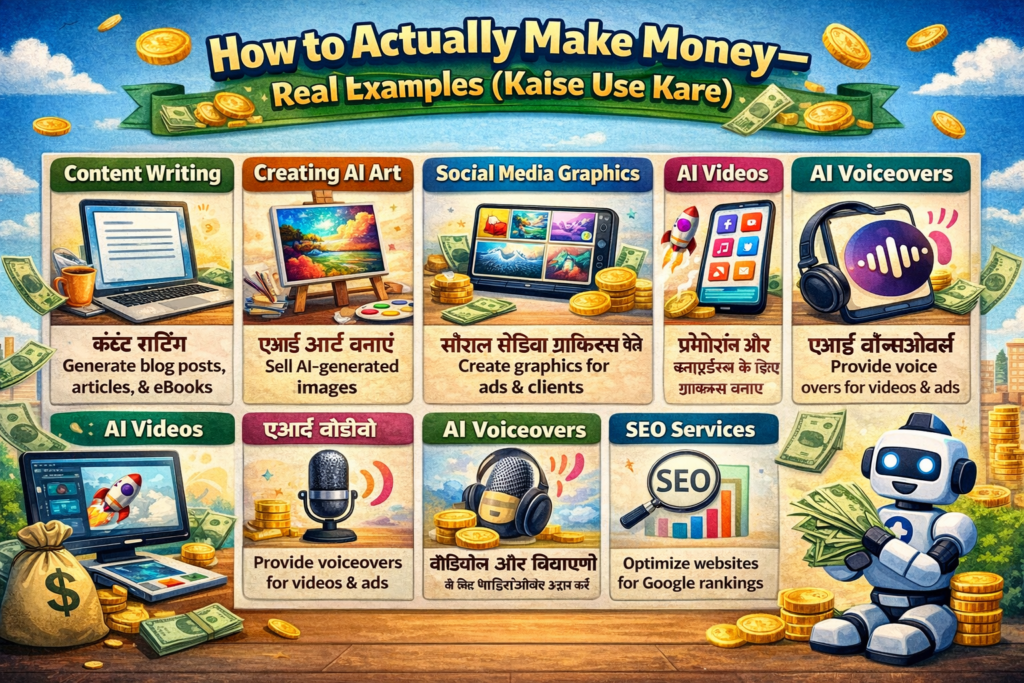
Part 4: How to Actually Make Money—Real Examples (Kaise Use Kare)
Example 1: Write and Sell Ebooks Using Free AI Tools
The Method: Publish short ebooks on Amazon Kindle Direct Publishing (KDP) and earn royalties. AI writing tools help you draft entire manuscripts in hours .
Step-by-Step:
- Pick an evergreen niche: “beginner’s yoga routines,” “easy vegan recipes,” or “study tips for high school students”
- Use ChatGPT or Claude (free tiers) to generate structured outlines and chapter drafts
- Refine the output manually to ensure quality and originality
- Use Canva to design the ebook cover
- Publish through Amazon KDP (free)
- Promote through Reddit communities, Facebook groups, or TikTok
Tip: Always fact-check AI-generated content and personalize it with your voice to avoid generic-sounding text .
Example 2: Offer AI-Powered Freelance Services
The Method: Offer services on Fiverr or Upwork using AI to deliver fast, high-quality results at competitive rates .
Beginner-Friendly Services:
- Resume and cover letter optimization
- Blog post writing for small businesses
- Social media caption creation
- Product description writing for e-commerce
Step-by-Step:
- Create a Fiverr or Upwork profile (free)
- Use ChatGPT or Claude to create your service descriptions
- Use free AI tools to fulfill orders efficiently
- Edit and customize every output so it feels human and tailored
Success Mindset: “AI doesn’t replace good writers—it amplifies their productivity. Those who learn to harness it will outpace others in output and efficiency.” — Sarah Lin, Content Strategist & AI Educator
Example 3: Create and Monetize Niche Content Sites
The Method: Build a simple blog focused on a specific interest and use AI to generate informative articles. Monetize through affiliate marketing or display ads .
Step-by-Step:
- Choose a niche: indoor gardening, pet care, budget travel
- Host for free using WordPress.com (free plan) or Blogger
- Use ChatGPT to generate 10-20 informative articles
- Include affiliate links to relevant products (Amazon Associates, etc.)
- Promote through Pinterest and social media
Monetization Methods:
| Strategy | Free Tools to Use | Monetization |
|---|---|---|
| AI Blogging | ChatGPT, Google Docs, Grammarly | Affiliate links, Google AdSense |
| YouTube Scripts | Bing AI, Canva | Ad revenue via Partner Program |
| Print-on-Demand | Leonardo.Ai, Canva | Sales via Redbubble, Teespring |
Example 4: Generate Digital Products for Passive Income
The Method: Create digital products that sell repeatedly with one-time effort .
Product Ideas:
- Planners and Journals: Use AI to design habit trackers, budget sheets, fitness logs. Format in Google Docs, export as PDFs, sell on Etsy or Gumroad.
- Cheat Sheets: Summarize topics like “Python Basics” or “Instagram Growth Hacks” using AI. Format in Canva.
- Stock Art: Generate unique images using Leonardo.Ai or Bing Image Creator. License them or upload to free marketplaces like Pixabay for exposure .
Tip: Add your branding or logo to digital products—even if shared freely—to build recognition and drive future sales .
Example 5: Launch an AI-Assisted Side Hustle on Social Media
The Mini Case Study: How Mia Made $300 in 3 Weeks
Mia, a college student with no prior experience, created a TikTok account focused on “AI Life Hacks for Students.” Using ChatGPT, she generated quick tips like “How to write a paper in 20 minutes with AI” and filmed simple screen recordings with voiceovers .
Week 1-2: Her videos gained traction
Week 3: She joined the TikTok Creator Fund and included affiliate links to free AI tools with premium upgrades
Result: $180 from the Creator Fund + $120 in affiliate commissions = $300 total from 30–45 minutes of work per day
Step-by-Step for You:
- Choose a niche you’re passionate about
- Use ChatGPT to brainstorm 10 viral content ideas
- Create short videos using free tools (CapCut, OpusClip)
- Post consistently (3-4 times per week)
- Add affiliate links in your bio
- Apply for creator funds once eligible
Part 5: Step-by-Step Guide to Start Today
- Choose Your Path: Pick one method from this guide that aligns with your interests (writing, design, social media, etc.)
- Select Free AI Tools: Sign up for ChatGPT (free), Canva (free), and Leonardo.Ai (free) as your starter stack
- Create a Sample Product: Draft a short ebook, design a planner, or write five social media posts
- Set Up a Free Platform: Publish on Medium, Blogger, Etsy (free listing), TikTok, or Fiverr
- Promote Consistently: Share your work in relevant online communities 3–4 times per week
- Reinvest & Scale: Once you earn your first dollar, consider upgrading to paid tools or outsourcing minor tasks
Part 6: Common Pitfalls to Avoid
- Over-relying on AI: Raw AI output often lacks personality. Always edit and personalize .
- Ignoring copyright: Don’t claim AI-generated content as fully human-made if required by platform rules.
- Spreading too thin: Focus on one method until you see results before adding more .
- Expecting instant income: Most AI-based earnings grow over time with consistency .
- Skipping research: Use Perplexity to validate your ideas before investing time .
Part 7: Frequently Asked Questions (FAQs)
Q1: Do I need technical skills to make money with AI?
A: No. Most free AI tools are designed for everyday users. Typing clear prompts in plain English is enough to get started. Learning improves with practice, not expertise .
Q2: Is it ethical to make money using AI for free?
A: Yes, as long as you add value, follow platform rules, and don’t plagiarize or mislead customers. AI is a tool—like a calculator or word processor. What matters is how you use it .
Q3: Can I really make money without investing anything?
A: Yes. Many people earn their first dollars using only free tiers of AI tools and zero-cost publishing platforms. The investment is time and effort, not money .
Q4: Which AI tool is best for beginners?
A: Start with ChatGPT for writing and brainstorming, Canva for design, and Leonardo.Ai for images. This three-tool stack covers most beginner needs at zero cost.
Q5: Free AI marketing tools kaunse hain?
A: Prominent free AI marketing tools include: Canva (design), ChatGPT (content), Leonardo.Ai (images), Google ImageFX (quick graphics), Notion (organization), and Shopify Magic (e-commerce). Each offers functional free tiers .
Q6: Small business ke liye best AI strategy kya hai?
A: The best AI strategy follows three phases:
- Foundation: Use free tools (ChatGPT, Canva) to establish your content and brand presence
- Automation: Use n8n or Zapier free tiers to automate repetitive tasks
- Scale: As revenue grows, reinvest in paid tools for advanced features
Start with one tool, master it, then add another. Integration beats accumulation .
Q7: How do I prevent AI content from sounding robotic?
A: Three strategies:
- Use Claude for better writing quality and nuance
- Always edit and personalize AI outputs
- Add your own examples, anecdotes, and unique insights
Q8: What’s the biggest mistake beginners make?
A: Trying to use too many tools at once. Pick 2–3 tools based on your specific output goals. Consistency and focus beat tool accumulation every time .
Conclusion: Best Free AI Tools for Making Money Online
The barrier to entry has never been lower. You don’t need permission, capital, or a degree to begin making money with AI. What begins as a few hours of experimentation can evolve into a sustainable income stream. The tools are free. The knowledge is public. The opportunity is real .
The most successful people in 2026 share one characteristic: they stopped asking what AI can do and started asking what work they should stop doing. AI is not a magic wand—it’s a lever that amplifies existing capability. A clear strategy plus consistent execution will get you results faster than any tool alone .
Take action today: Pick one idea from this guide, spend 30 minutes testing it, and publish something—anything—online. Momentum starts with motion .
Quick Reference: Which Tool Should You Start With?
| Your Goal | Start Here | Cost |
|---|---|---|
| Write and sell ebooks | ChatGPT + Canva | $0 |
| Offer freelance writing | ChatGPT + Claude | $0 |
| Create digital products | Canva + Leonardo.Ai | $0 |
| Start a niche blog | ChatGPT + WordPress.com | $0 |
| Launch social media side hustle | ChatGPT + OpusClip | $0 |
| Open an online store | Shopify Magic (free trial) | $0 trial |
| Automate client work | n8n (open-source) | $0 |
| Build a voiceover business | Resemble AI + ElevenLabs | $0 (limited) |
